
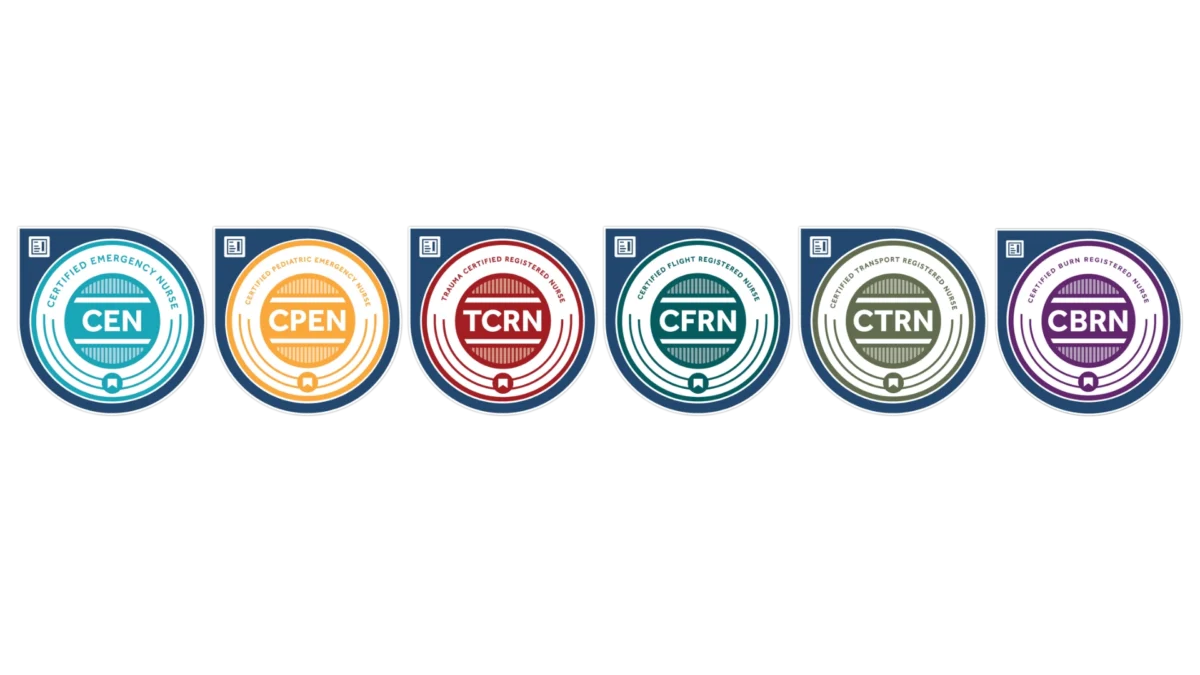
Digital Badging: The Best Way to Share Your Certified Success
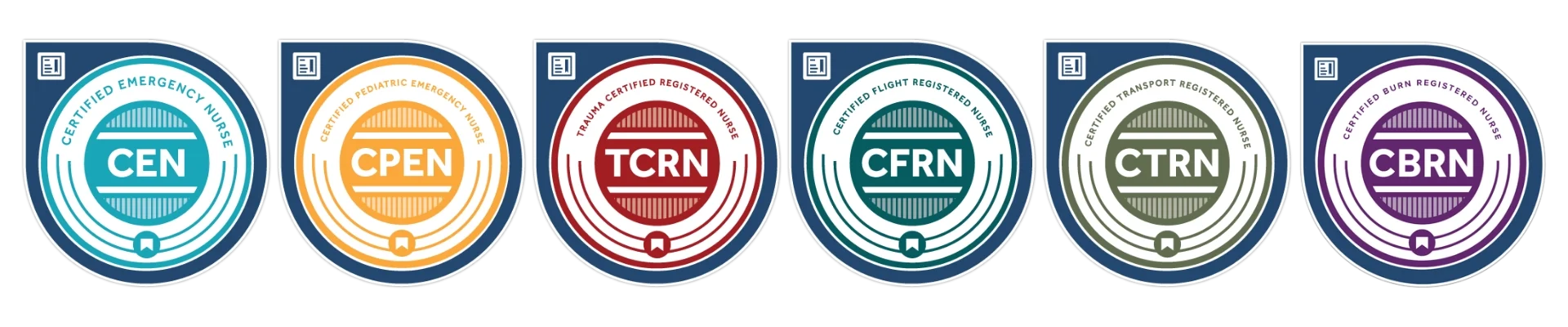
What’s a Digital Badge?
Just like your hospital or organization badge shows patients, colleagues and supervisors who you are and what you do, your digital badge from BCEN identifies you as a certified emergency nurse—and lets the world know that you are driven to excel. Read on to learn more about the value of a BCEN digital badge, and how you can claim yours and start sharing your success.
What are the Benefits of a Digital Badge?
BCEN offers the digital badge as an exclusive benefit to BCEN-certified nurses. Your digital badge is more than a logo or an email signature—it’s a valuable tool that can help you build the nursing career you’ve always dreamed of. Some of the benefits of digital badging include:
- A customized logo identifying your credential, containing metadata that details your certification
- An easy way to let current and potential employers learn more about your qualifications
- An attractive, nationally recognized visual element you can add to your digital profiles
- A quick and simple way for third parties to verify your certification
How do I get my digital badge?
It’s easy! Follow the steps below to secure your digital badge and start sharing your success.
Step 1: Accept it
Once you’ve passed your certification exam, you’ll receive an email with instructions for claiming your digital badge. Simply click on the link, log into Credly, download your badge and prepare to share.
Didn’t receive your email? Click here to log into Credly and claim your badge! Make sure you use the same email here as on your BCEN account.
Step 2: Share it
After your badge has been downloaded, it’s easy to share on a multitude of platforms. Include it in your CV/resume, add it to your LinkedIn profile or your preferred social media platform, place it in your email signature, and send it to anyone you feel would benefit from learning more about your certification.
Step 3: Verify it
Because your digital badge contains metadata detailing your certification, it can be used as a method for verification by current or potential employers. Digital badges are backed by BCEN and are accepted as an authentic verification of your skills and achievement.
By clicking on the badge, your employer, supervisor, or hiring manager will have the opportunity to verify your certification status, along with start and expiration dates. You also have the option to print a PDF of your digital badge for verification purposes.
Help Using Credly
If you need assistance sharing your digital badge or have questions about your badge, there are videos and articles to help! Be sure to check out the Credly Help Center.
For Badging Support
If you are having trouble claiming your badge or your badge details are showing up incorrectly, please contact BCEN at +1-877-302-BCEN.
Our badging provider, Credly, will provide first-line email technical support during their posted business hours. Earners can submit support tickets at support.credly.com and will receive a timely reply to their questions.