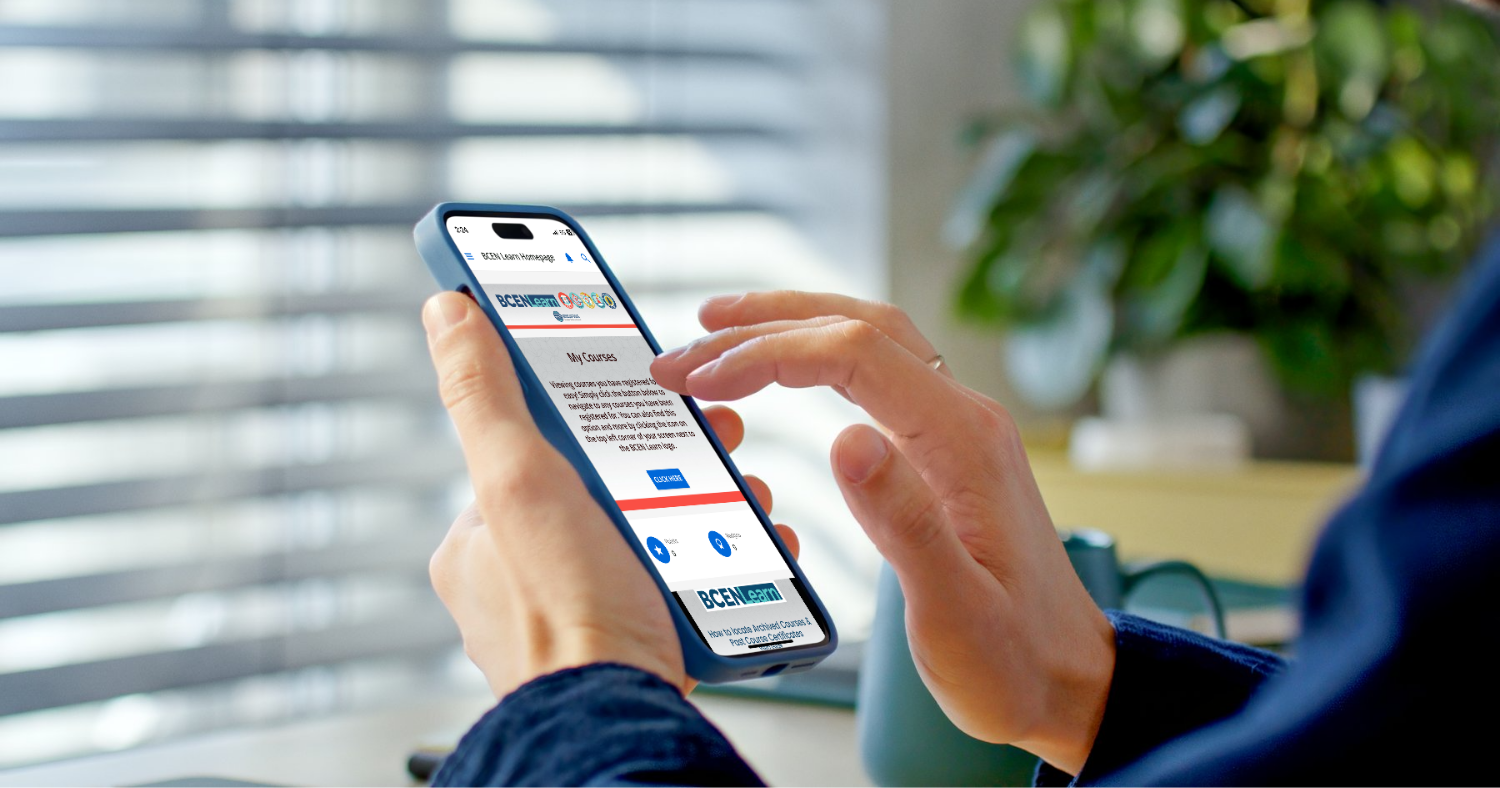
How to Access the BCEN Learn App
BCEN Learn is an all-in-one continuing education platform for nurses and nurse leaders in emergency, pediatric emergency, trauma, flight, critical care transport, and burn care settings. Earn accredited nursing CEs (CEUs) online with clinical courses, free webinars, certification practice exams, and interactive games developed by subject matter experts practicing across the emergency spectrum.
Easily earn CEs on any schedule, any device. BCEN Learn is available on desktop, tablet, and mobile devices. Download the app for an optimal learning experience on mobile:
1. Create your BCEN Account.
If you don’t already have a BCEN account login, first create one at BCEN.org.
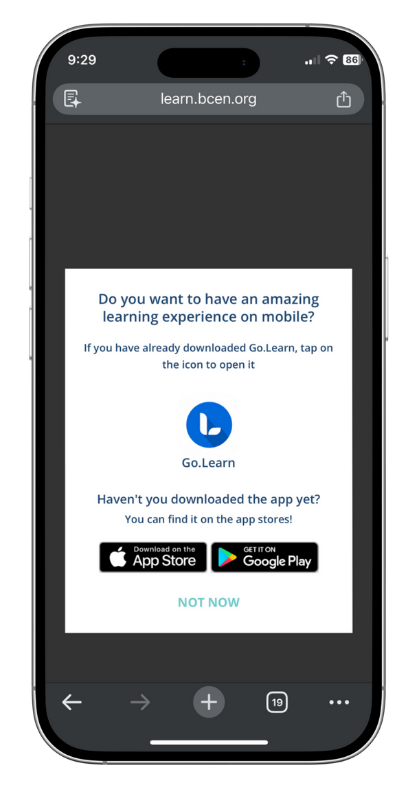
2. Download the Go.Learn app on your mobile device.
The Go.Learn mobile app is available for both iOS (including iPads) and Android devices. You can download the app by searching for “Go.Learn” in the Apple Store or in Google Play Store.
Download on the App Store Download on Google Play
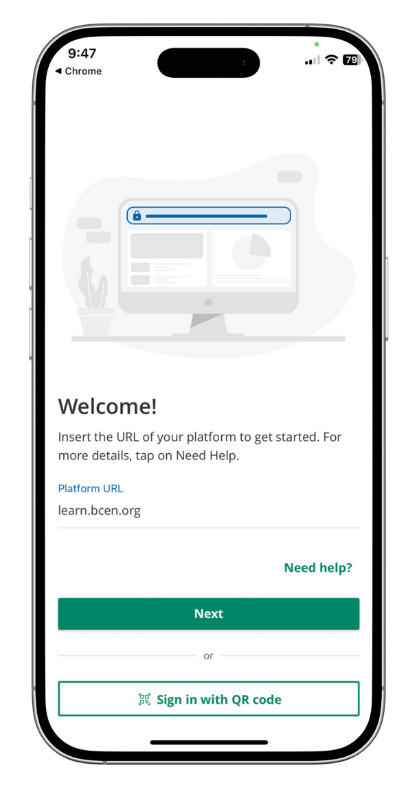
3. Enter learn.bcen.org into the Platform URL field.
Upon opening the Go.Learn app, you’ll be prompted to enter the Platform URL. Enter learn.bcen.org and hit the Next button.
4. Log in using your BCEN Account credentials.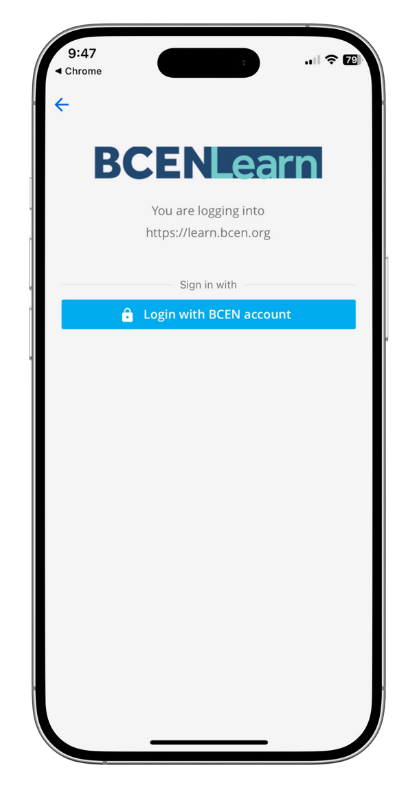
Tap the Login with BCEN account button and enter your BCEN account username and password.
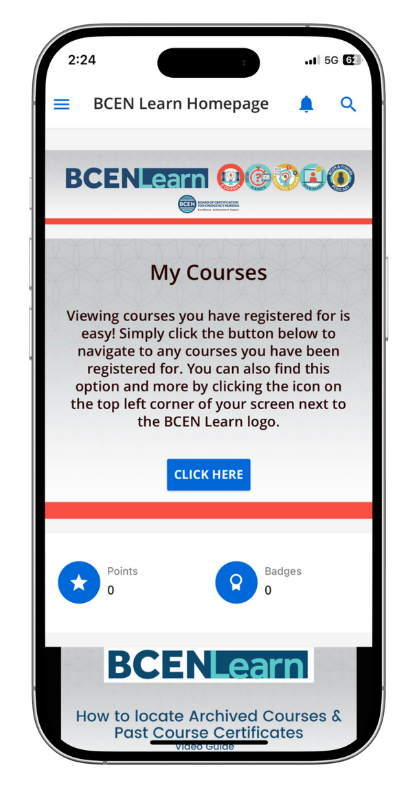 5. Access hundreds of virtual CE courses, games, certification practice exams and review courses, on-demand conferences, and more. Happy learning!